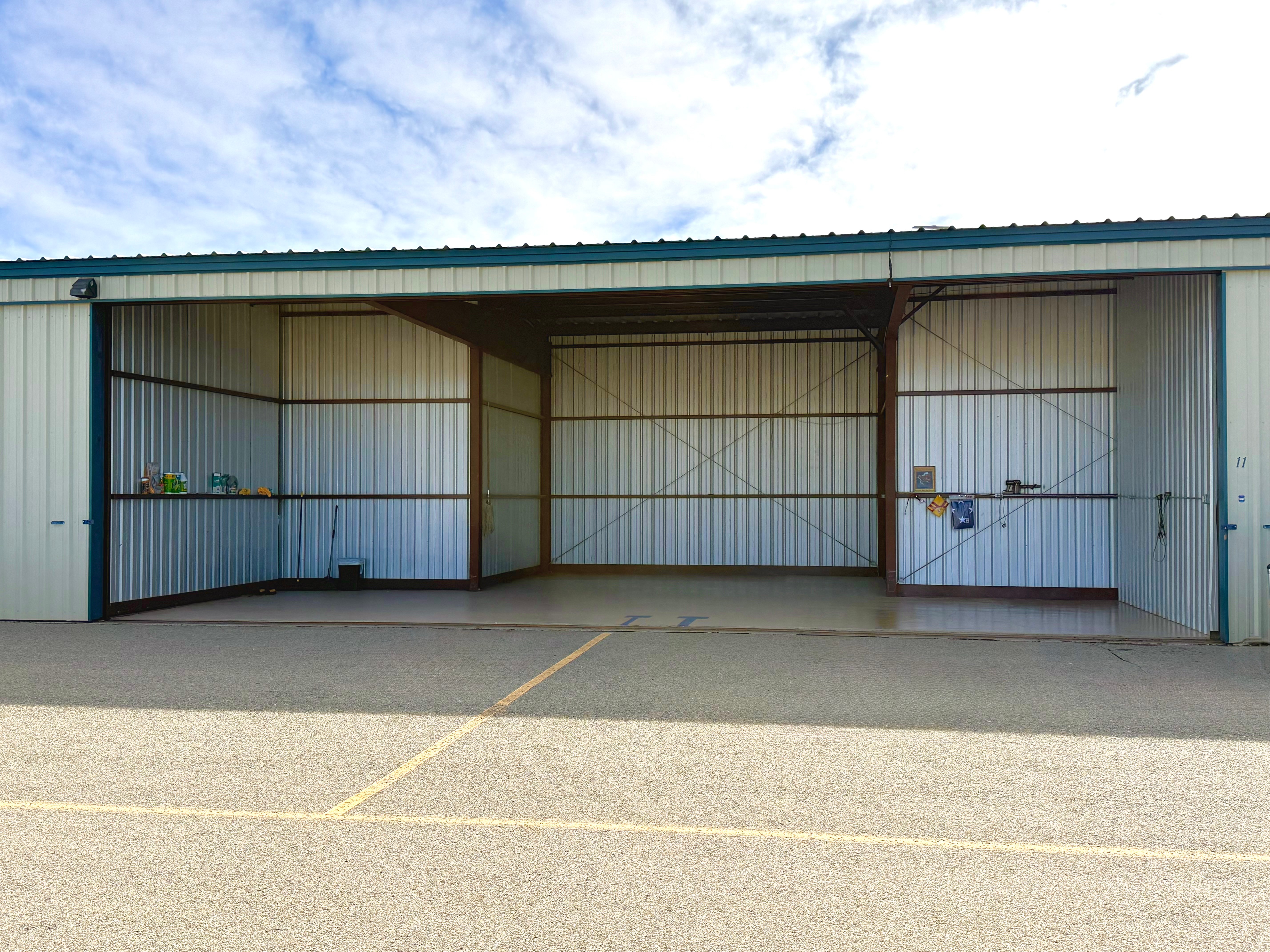
KSAF
Description
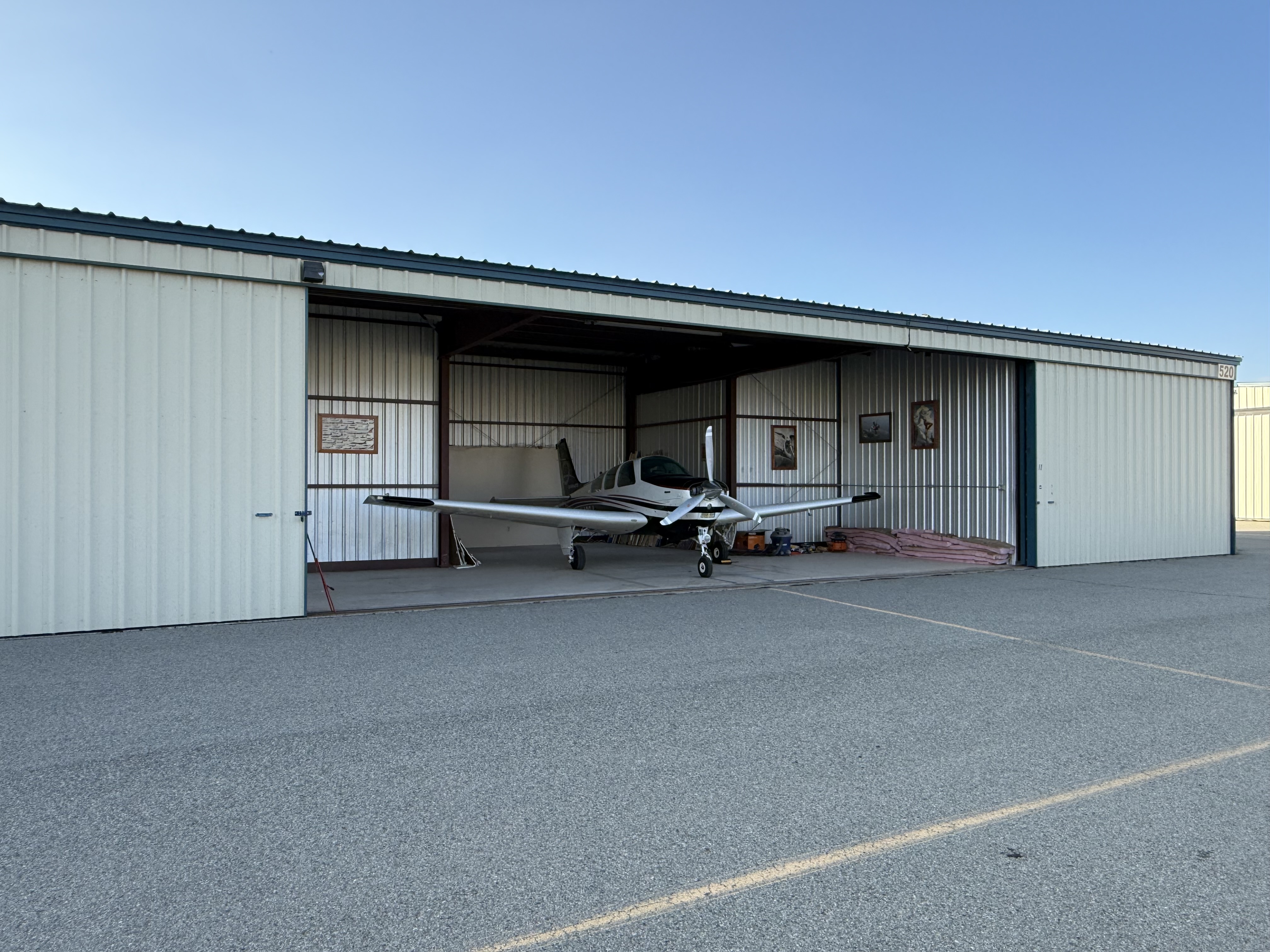
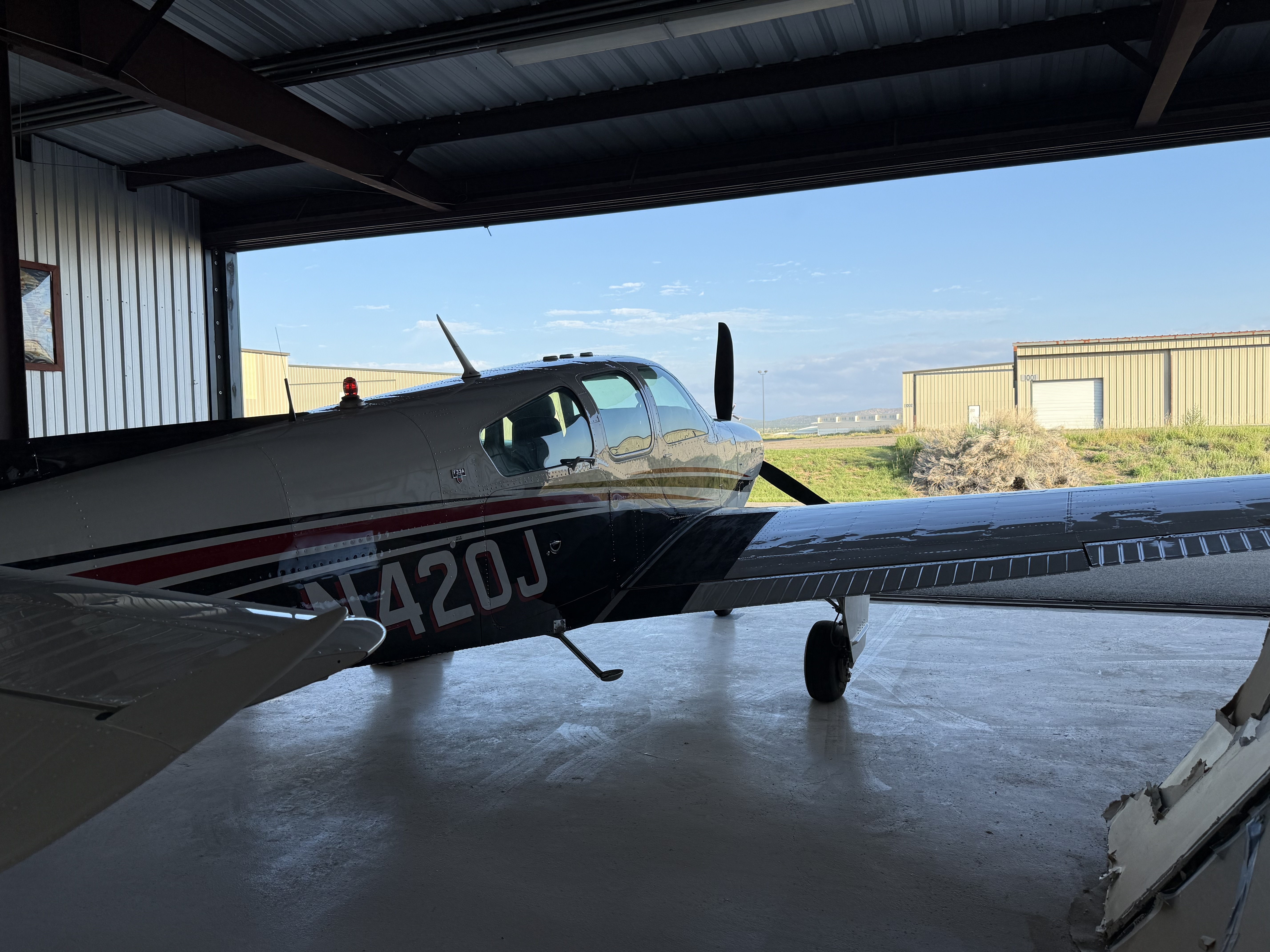
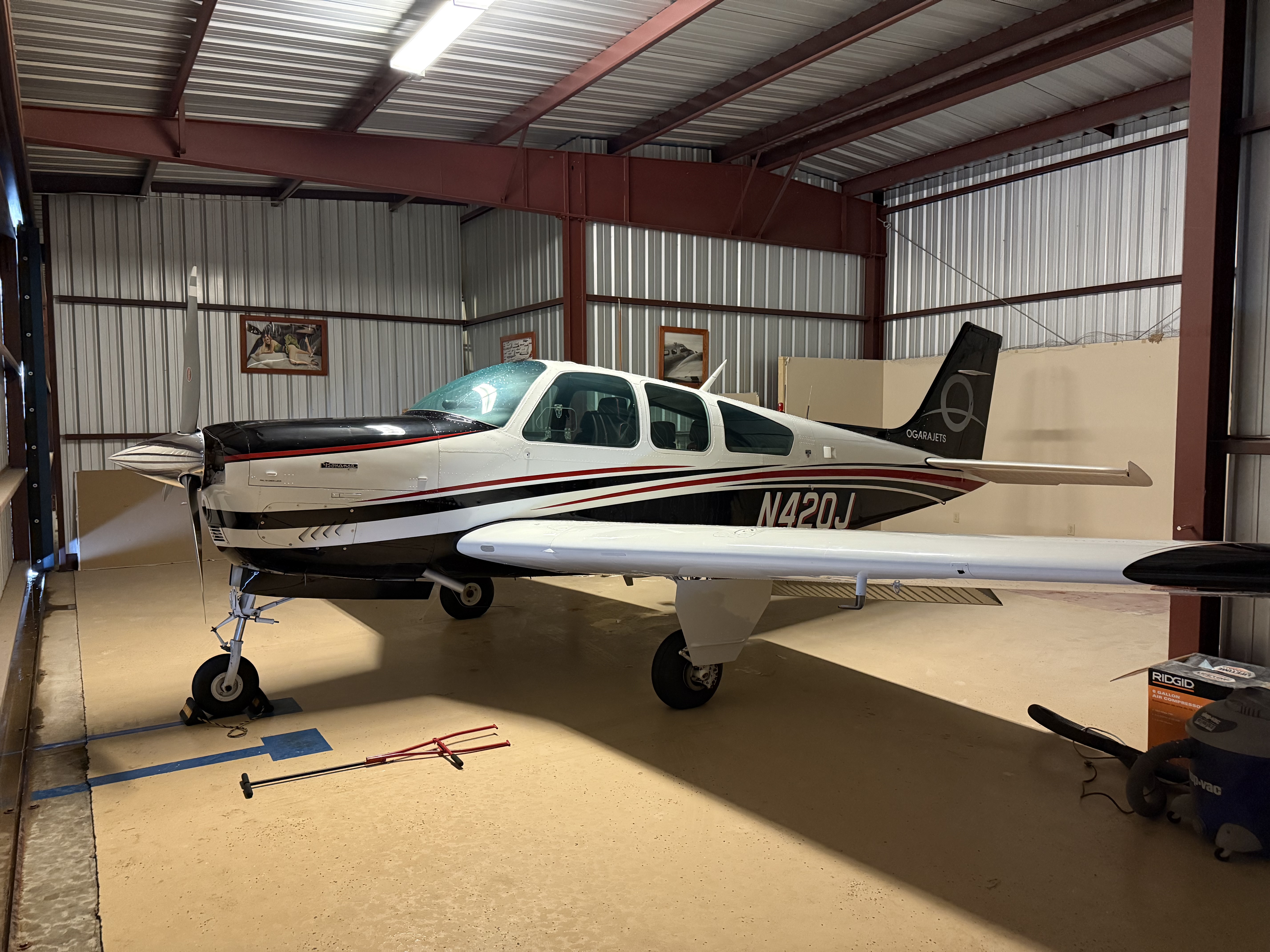
Hangar 11 in the Cielo Azul Hangar Condominium at KSAF. Hangar has electrical outlets, a mini-fridge, a simple toolkit, and an air compressor.
Dimensions
- Size: 30.0' × 41.0' × 12.0'
Features
No additional features listed
Hosted by Dane P.
Hangar Owner
Check-in & Check-out Instructions
Check-in Checklist
Locate Hangar
Use the map to find the exact location of your hangar. The red marker shows the hangar location, and the blue dot shows your current position.
Unlock Hangar
Use the Master Lock digital key to unlock the padlock.
Open right hand door
The right side door will slide freely. IMPORTANT: the left side door has a rod going into the floor that must be pulled up before the door will move.
Open left hand door
There is a metal rod that must be pulled up before the left-side door can be opened. Please see the video for clarification.
Place plane in hangar
Make sure there arent any obstructions, then push the plane into the hangar space. The yellow line is center and extends to the asphalt outside the hangar.
Secure aircraft with chock
When you have the aircraft positioned where you want it, there is a wheel chock in the hangar to keep the aircraft from rolling. Place chock on nosewheel.
Secure hangar
Once aircraft is where you want it, secure the hangar by locking the Master Lock in the same position you found it. The lock must be placed with the doors slightly ajar, then they can be fully closed when the lock is in place. See video for help locking the hangar.
Check-out Checklist
Open hangar
Use the instructions from check-in checklist to open hangar
Remove wheel chock
Remove wheel chock and disengage aircraft parking brake if applicable.
Remove aircraft from hangar
Pull the plane out with the available tug or use your own. Be careful to pull straight out until the wings have cleared the hangar doors.
Secure aircraft outside
Before closing hangar doors, secure the aircraft from moving by placing chocks or parking brake to avoid unintentional aircraft rolling.
Assess hangar
Check for any items that may have been left in the hangar, and check overall cleanliness and organization. Make sure lights are turned off. If you used tools, please place them back in their spots. If there are oil or fluid drips, please do your best to wipe them up with paper towels or sprinkle some of the available sawdust to absorb them. Any trash or discarded items should be placed in the trash cans.
Close hangar doors
Close left side door first. IMPORTANT: Please make sure that the metal rod is placed into the floor on the left side door to secure it. Once that is done, the right side door can be closed.
Lock hangar
IMPORTANT: Please view video for instructions to close the doors and install the padlock. Once that is done, the lock may be locked, and youre all checked out!